
Lien Waiver Data Import for Construction Accounting
Lien waiver data import into accounting systems is the process of transferring waiver status, payment amounts, and compliance records from your project management platform directly into your accounting software, without manual re-entry. For contractors and project managers, this integration is the difference between chasing paper waivers at draw time and having every conditional or final waiver verified before a payment clears. Platforms like QuickBooks, Sage, and Procore sit at the center of this workflow. When connected properly, they create a real-time compliance gate that protects your project and your cash flow.
What systems are required for lien waiver data import into accounting systems?
Effective lien waiver data import into accounting systems requires two connected layers: a project management platform and an accounting platform, linked by either a native API or a middleware tool. Each layer plays a distinct role, and the connection method determines how much manual work you eliminate.
Project management platforms
Buildertrend, Procore, and Autodesk Construction Cloud are the three most widely used project management systems in American construction. Each tracks subcontractors, pay applications, and draw schedules. Buildertrend is popular with residential and mid-market general contractors. Procore dominates commercial construction. Autodesk Construction Cloud serves large, multi-project portfolios. All three can serve as the source of truth for waiver data when connected to an accounting platform.

Accounting platforms that support waiver integration
QuickBooks, Sage, and Foundation Software are the primary accounting platforms used by construction firms that need lien waiver management built into their AP workflow. QuickBooks is the most common choice for small to mid-size contractors. Sage 100 Contractor and Sage 300 Construction handle larger, more complex operations. Foundation Software is purpose-built for construction accounting and includes native compliance tracking fields.
API connections vs. CSV and middleware imports
The connection method matters more than most contractors realize. Native two-way API integration keeps lien waiver tracking inside your AP workflow rather than relying on spreadsheets or CSV imports. CSV imports require someone to export, clean, and re-upload data on a schedule. Middleware tools like Zapier can bridge platforms but add a failure point. Native APIs push data in real time, so your accounting system always reflects current waiver status.
Platform integration comparison
| Platform pair | Connection type | Waiver automation level |
|---|---|---|
| Buildertrend + QuickBooks | Native API | High |
| Procore + Sage | Native API | High |
| Procore + QuickBooks | Native API | Medium |
| Autodesk Construction Cloud + Sage | Middleware | Medium |
| Standalone spreadsheet | Manual | None |
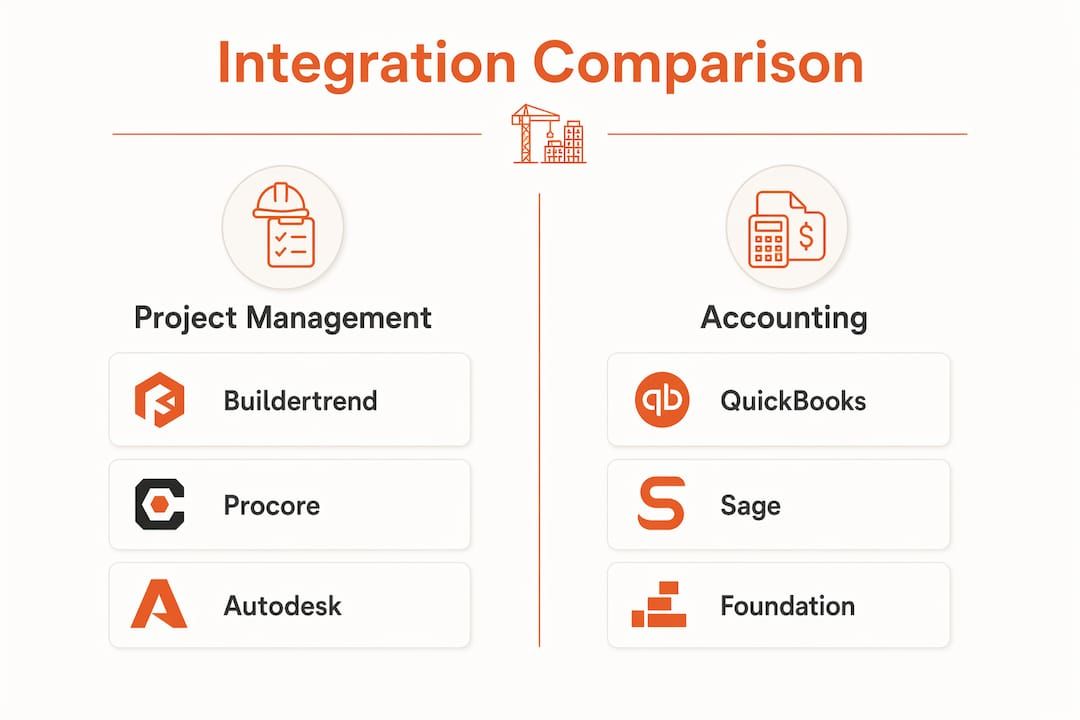
Common integrated platform pairs for lien waiver automation include Procore with QuickBooks or Sage, and Buildertrend with QuickBooks. These pairings cover the majority of mid-market general contractor operations in the United States.
How to execute the lien waiver data import process step by step
Setting up lien waiver automation is a structured project, not a one-afternoon task. A structured onboarding phase typically spans 7–8 weeks and covers discovery, template build, integration, pilot, and full rollout. Here is how to move through each stage without losing momentum.
-
Audit your current waiver inventory. List every active subcontractor and supplier across all open projects. Identify which waivers are conditional progress waivers (tied to a specific payment period) and which are final waivers (tied to project completion). This audit becomes your data map.
-
Build standardized waiver templates. Create templates for each waiver type your state requires. If you work across multiple states, build state-specific versions. Tools like Waiverpilotpro let you generate professional, notarizable conditional and final waivers without building templates from scratch.
-
Map data fields between your PM and accounting systems. Detailed data field mapping between your project management and accounting platforms is the technical foundation of accurate waiver generation and tracking. Map subcontractor name, contract amount, payment period, and waiver type at minimum.
-
Establish the API connection. Work with your software vendor or an integration specialist to activate the API link between your project management platform and your accounting software. Confirm that waiver status fields sync in both directions, meaning a waiver collected in Procore should update the corresponding AP record in Sage automatically.
-
Configure payment hold rules. Hard payment holds configured in your accounting software prevent any payment from processing unless a verified conditional lien waiver is on file. This is the compliance gate that makes the whole system work. Without it, the integration is informational only.
-
Set up automation for distribution and reminders. Configure your system to send waiver requests to subcontractors automatically when a pay application is approved. Schedule follow-up reminders at 48 hours and 72 hours if a waiver has not been returned.
-
Pilot with 2–3 active projects. Piloting with two or three projects before a full portfolio rollout lets you find and fix workflow gaps without disrupting every job on your books. Run the pilot for at least two full draw cycles.
-
Roll out across the full portfolio. Once the pilot confirms that data flows correctly and payment holds are triggering as expected, expand to all active projects.
Pro Tip: Configure your waiver automation to trigger on pay application approval day, not on the day payment is scheduled. The highest-value integrations generate waiver requests the moment a pay app is approved, which gives subcontractors maximum lead time and keeps your draw cycle on schedule.
What are common mistakes to avoid when importing lien waiver data?
Most lien waiver automation projects that fail do so for the same handful of reasons. Knowing these pitfalls in advance saves you weeks of rework.
-
Relying on spreadsheets. A spreadsheet is not an integrated system. It cannot enforce a payment hold, send automated reminders, or update your accounting records in real time. Firms that track waivers in Excel are one missed entry away from paying a subcontractor without a valid waiver on file.
-
Using CSV imports instead of native APIs. CSV imports require manual intervention at every draw cycle. Someone has to export the data, format it correctly, and upload it on time. That process fails when the person responsible is out sick or the format changes after a software update.
-
Skipping payment hold configuration. Procore has basic waiver tracking but lacks full automation of e-signatures and payment hold integration without additional software layers. If you connect Procore to QuickBooks but do not configure a hard payment hold, you have a reporting tool, not a compliance tool.
-
Skipping the pilot phase. Rolling out to your full project portfolio before testing on two or three jobs is the most common cause of failed implementations. Workflow gaps that are minor on one project become serious problems at scale.
-
Ignoring onboarding support. Most software vendors offer structured onboarding. Skipping it to save time almost always costs more time in troubleshooting later.
Pro Tip: Before you go live, run a full draw cycle in your pilot environment with real subcontractor data. Confirm that the payment hold blocks a test payment when a waiver is missing. If the hold does not trigger, the integration is not complete.
How do top construction firms use lien waiver automation for efficiency?
The efficiency gains from proper lien waiver automation are measurable and significant. The numbers below come from documented integrations between major construction platforms.
Integrating Buildertrend with QuickBooks reduces reconciliation time from 8–12 hours per draw cycle to under 60 minutes for mid-market general contractors. That is an 88–92% reduction in time spent on a single administrative task. For a firm running 10 active projects, that time savings compounds every month.
“Automated systems gating subcontractor payments based on lien waiver status cut draw errors by 80%.” — US Tech Automations, 2026
That 80% error reduction comes directly from eliminating manual re-keying. When a human types payment amounts and waiver status into a spreadsheet, errors happen. When the API moves that data automatically, the error rate drops to near zero.
Automated lien waiver tracking also improves cash flow by cutting payment delays caused by missing or unverified waivers. A subcontractor who receives an automated waiver request on pay app approval day has more time to return the document before the draw deadline. Fewer missing waivers means fewer held payments and faster cash movement through the project.
Integration outcomes by platform pair
| Platform pair | Reconciliation time reduction | Draw error reduction |
|---|---|---|
| Buildertrend + QuickBooks | 88–92% | Up to 80% |
| Procore + Sage | Significant | High with payment holds |
| Vergo + NetSuite | High | High (native AP integration) |
Vergo software integrates lien waiver tracking natively with NetSuite and major construction ERPs, keeping compliance documentation inside the AP workflow. This approach eliminates the need for a separate waiver tracking system entirely. For firms already running NetSuite, it is the most direct path to full accounting data integration.
The cash flow benefit extends beyond speed. When your accounting system automatically holds payment until a verified waiver is on file, you eliminate the legal risk of paying a subcontractor who later files a mechanics lien. A mechanics lien is a legal claim against your property for unpaid work. Preventing one lien filing can save more than the entire cost of your automation setup.
Key takeaways
Lien waiver data import automation works when you connect your project management and accounting platforms via native API, configure hard payment holds, and pilot the system before full deployment.
| Point | Details |
|---|---|
| Use native API connections | Native two-way APIs eliminate manual CSV uploads and keep waiver status current in real time. |
| Configure hard payment holds | Payment holds in your accounting software are the compliance gate that makes integration meaningful. |
| Pilot before full rollout | Test with 2–3 active projects to catch workflow gaps before scaling across your portfolio. |
| Map data fields thoroughly | Accurate field mapping between your PM and accounting platforms is the foundation of error-free waiver generation. |
| Automate on approval day | Triggering waiver requests at pay app approval gives subcontractors maximum lead time and keeps draws on schedule. |
Why I think most contractors are solving this problem backwards
I have watched a lot of construction firms approach lien waiver automation the wrong way. They buy the software first, then try to figure out the workflow. The result is a system that technically works but does not actually prevent a single bad payment.
The right starting point is the payment hold. Before you configure anything else, decide where in your accounting system a payment gets blocked when a waiver is missing. That single decision shapes every other configuration choice. If your accounting platform cannot enforce a hard hold, you need a different platform or an additional software layer before you do anything else.
The second thing I would push back on is the assumption that Procore or Buildertrend alone will solve this. Both are excellent project management tools. But Procore’s native waiver tracking does not include full e-signature automation or payment hold integration out of the box. You need to connect it to your accounting system and configure those rules deliberately. The platform is the starting point, not the finish line.
The 7–8 week onboarding timeline is real, and it is worth respecting. Firms that try to compress it into two weeks almost always skip the pilot phase. That is where the problems hide. Two full draw cycles on a small pilot project will surface every edge case your workflow has. Skipping that step is the single most expensive shortcut in this process.
My honest recommendation: start with lien waivers for Buildertrend or your existing PM platform, map your data fields carefully, and do not go live until a test payment has been successfully blocked by a missing waiver. That moment, when the hold actually triggers, is when you know the system works.
— Rowena
Try Waiverpilotpro’s free lien waiver generator today
If you are ready to move from manual tracking to a connected waiver workflow, Waiverpilotpro is built for exactly that transition.
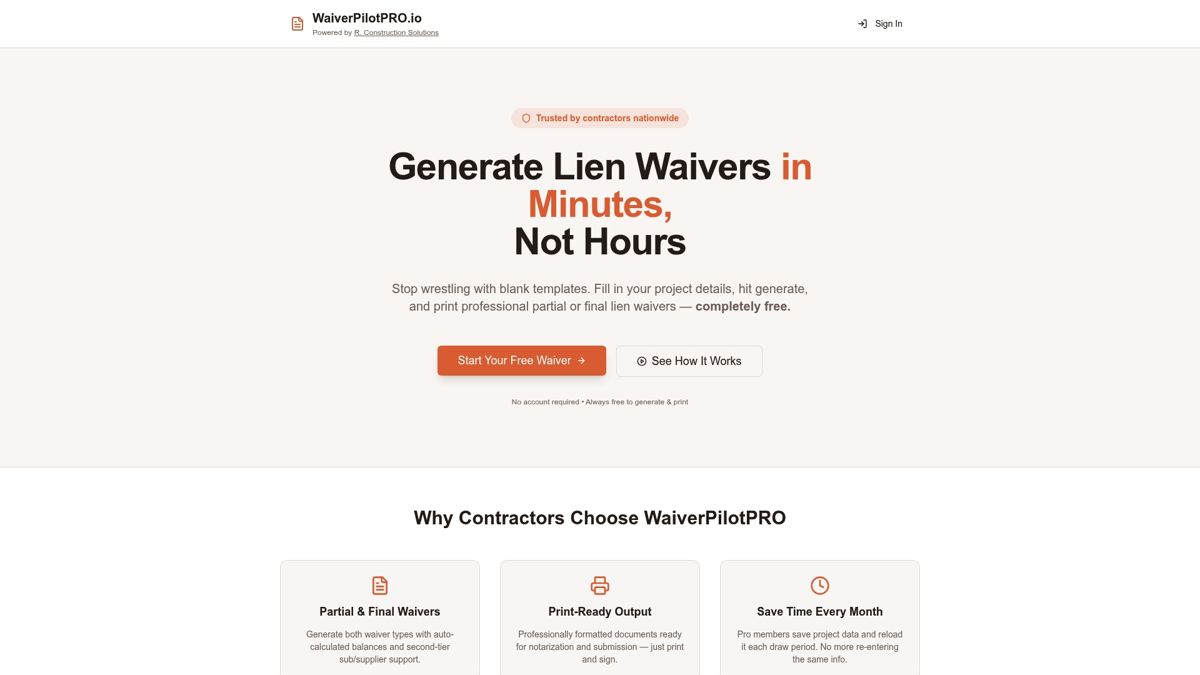
Waiverpilotpro lets you generate professional conditional and final lien waivers for free, with no account creation required. The platform supports integrations with QuickBooks, Procore, and Buildertrend, so your waivers are ready to drop into the accounting data integration you are building. Features include auto-calculated balances, multi-subcontractor support, and notarization-ready documents. You can start with the free lien waiver generator and have your first waiver ready in minutes. No templates to build, no legal jargon to decode.
FAQ
What is lien waiver data import in construction accounting?
Lien waiver data import is the automated transfer of waiver status, payment amounts, and compliance records from a project management platform into an accounting system. It replaces manual data entry and enables real-time payment gating based on waiver verification.
Which accounting platforms support lien waiver integration?
QuickBooks, Sage, Foundation Software, and NetSuite all support lien waiver integration through native APIs or compatible middleware. The level of automation depends on the platform pair and whether payment hold rules are configured.
How long does it take to set up lien waiver automation?
A structured onboarding phase for lien waiver system integration spans about 7–8 weeks, covering discovery, template build, API integration, pilot testing, and full rollout.
What is a hard payment hold in construction accounting software?
A hard payment hold is a rule configured in your accounting software that blocks any payment from processing until a verified conditional lien waiver is on file for that subcontractor and pay period. It is the primary compliance enforcement mechanism in an automated waiver system.
How much time can lien waiver automation save per draw cycle?
Connecting Buildertrend to QuickBooks reduces reconciliation time from 8–12 hours to under 60 minutes per draw cycle, an 88–92% reduction. Automated payment gating also cuts draw errors by up to 80% by eliminating manual re-keying.