
AIA Form G702: Generate the Right Lien Waiver Now
The fastest way to produce a correct, notarizable lien waiver is to generate a state-appropriate form right now and match it to the payment event in front of you. Before you do anything else, confirm one thing: has payment cleared your bank? If not, you need a conditional waiver. If funds have cleared, you can sign an unconditional waiver. That single decision protects your lien rights and keeps the payment chain moving.
Every enforceable waiver needs these five fields to match the payment event exactly:
- Payee name: your legal business name as it appears on the contract
- Payer name: the GC, owner, or party issuing payment
- Project name and address: specific enough to identify the job site
- Dollar amount: the exact amount being paid or applied for
- Through date: the last date of work covered by this waiver
Pro Tip: Never sign an unconditional waiver before confirmed cleared funds. A check in hand is not cleared funds. ACH confirmation or a cleared-check timeline (typically 2–5 business days) is. Signing unconditional too early is a frequent mistake contractors make.
Key Takeaways
Conditional waivers before payment and unconditional waivers only after cleared funds is the single rule that protects your lien rights through every draw cycle.
| Point | Details |
|---|---|
| Waiver type timing | Use conditional waivers with every pay app; switch to unconditional only after bank confirmation. |
| Five required fields | Payee, payer, project address, exact dollar amount, and through date must all match the payment event. |
| State statutory forms | About a dozen states require verbatim statutory forms; verify the project jurisdiction before generating. |
| Notarization check | Some states require notarization; use a platform that includes a notarization block in the exported PDF. |
| Waiverpilotpro | Free instant generator with state-specific templates, notarizable PDF/Word output, and Procore/QuickBooks/JobTread/Buildertrend integrations. |
Table of Contents
- What are the four AIA G702 lien waiver types?
- How to fill a lien waiver correctly and generate a notarizable PDF or Word file
- When does your state require a statutory lien waiver form?
- How do integrations fit waiver generation into your payment workflow?
- Practical rules to protect your payment rights
- Pre-signing checklist: verify these before you sign or accept a waiver
- Why getting waivers right is worth more than the paperwork suggests
- Waiverpilotpro: free waiver generator with state templates and integrations
- Sources
What are the four AIA G702 lien waiver types?
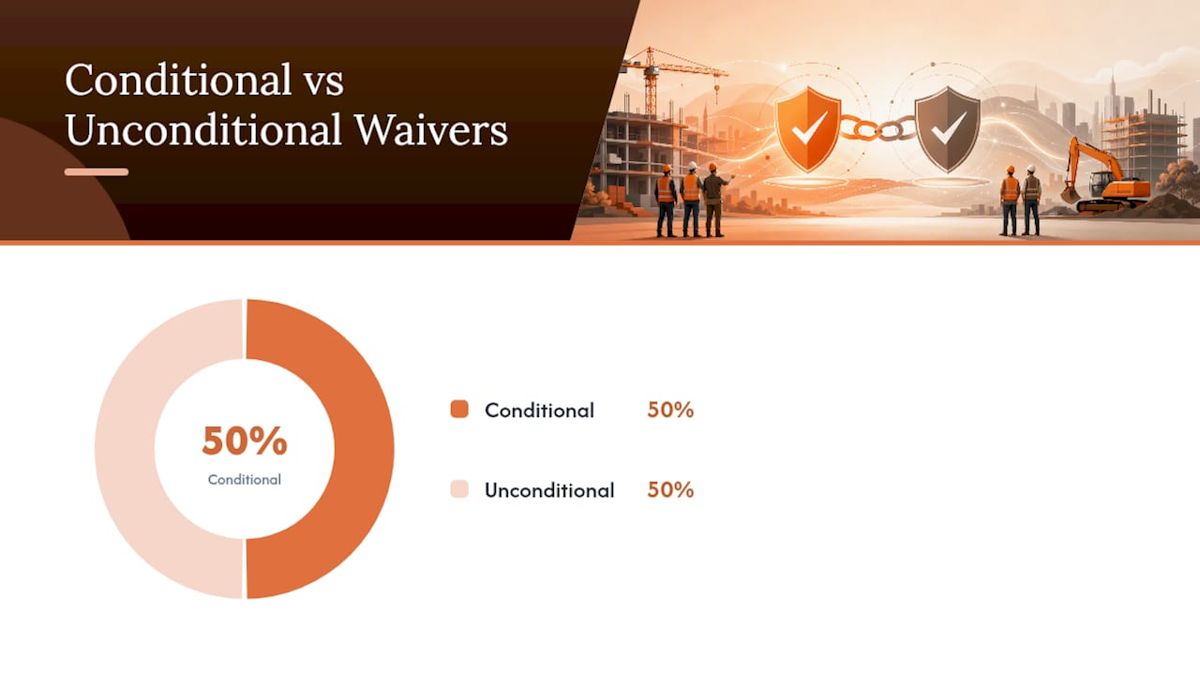
Lien waivers are legal documents that release the signer’s right to file a mechanics lien in exchange for payment. The four common waiver types are conditional progress, unconditional progress, conditional final, and unconditional final. Choosing the wrong one at the wrong moment can cost you your lien rights entirely.
Here is how each type works in plain contractor language:
- Conditional progress (partial): Covers a specific draw period. Takes effect only when the corresponding payment clears the bank. Use this with every pay application before payment arrives.
- Unconditional progress (partial): Also covers a draw period, but takes effect the moment you sign it, regardless of whether payment clears. Use this only after you have confirmed funds in your account.
- Conditional final: Covers all work through project completion. Takes effect when final payment clears. Submit this with your final pay application.
- Unconditional final: Releases all lien rights for the entire project. Takes effect on signature. Sign this only after every dollar, including retainage, has cleared.
A conditional waiver takes effect only when payment clears the bank; an unconditional waiver takes effect on signature. That distinction is the entire risk calculus.
A typical draw-cycle sequence looks like this:
- You submit Pay App #3 with a conditional progress waiver attached for the draw amount.
- The GC processes payment and funds clear your account 3–5 business days later.
- You then issue an unconditional progress waiver covering that same period and amount.
- On the final draw, you submit a conditional final waiver with the pay app, then swap it for an unconditional final once retainage clears.
See the partial vs. final waiver guide for a deeper breakdown of when each type applies.
How to fill a lien waiver correctly and generate a notarizable PDF or Word file
Start with the payment event, not the form. Pull up the invoice or pay application first, confirm the dollar amount and through date, then open the waiver generator.
Step-by-step:
-
Confirm the payment event. Match the waiver to a specific invoice or pay-app number. Never create a waiver without a corresponding payment document.
-
Enter payee and payer. Use exact legal names. A name mismatch between the contract and the waiver can make the document unenforceable.
-
Enter the project address. Include street address and, where required by state, the legal property description.
-
Enter the dollar amount. Match it to the cent. Even a rounding difference can create an amount mismatch that voids the release.
-
Set the through date. This is the last date of labor or materials covered. It is not the invoice date or the payment date.
-
Add exceptions or carve-outs. If there are disputed amounts or pending change orders, list them explicitly. A waiver with no carve-outs releases everything.
-
Complete the signature block. Include the signer’s name, title, and date. For notarized waivers, leave the notarization block blank until you are in front of a notary or using a remote online notarization (RON) service.
-
Export as notarizable PDF or Word. A notarizable PDF should embed signature metadata and an audit trail. Word format is useful for editable records when the receiving party requires it.
For a detailed field-by-field walkthrough, the step-by-step fill guide covers every common scenario.
| Field | What to enter | Common mistake |
|---|---|---|
| Payee name | Exact legal entity name | Using a DBA instead of the registered name |
| Payer name | GC or owner legal name | Leaving blank or using “Owner” generically |
| Project address | Street address + city + state | Using only the project nickname |
| Dollar amount | Amount to the cent | Rounding or using the contract total |
| Through date | Last date of work covered | Using the invoice date instead |
| Exceptions | Disputed items or pending COs | Leaving blank when disputes exist |
When does your state require a statutory lien waiver form?
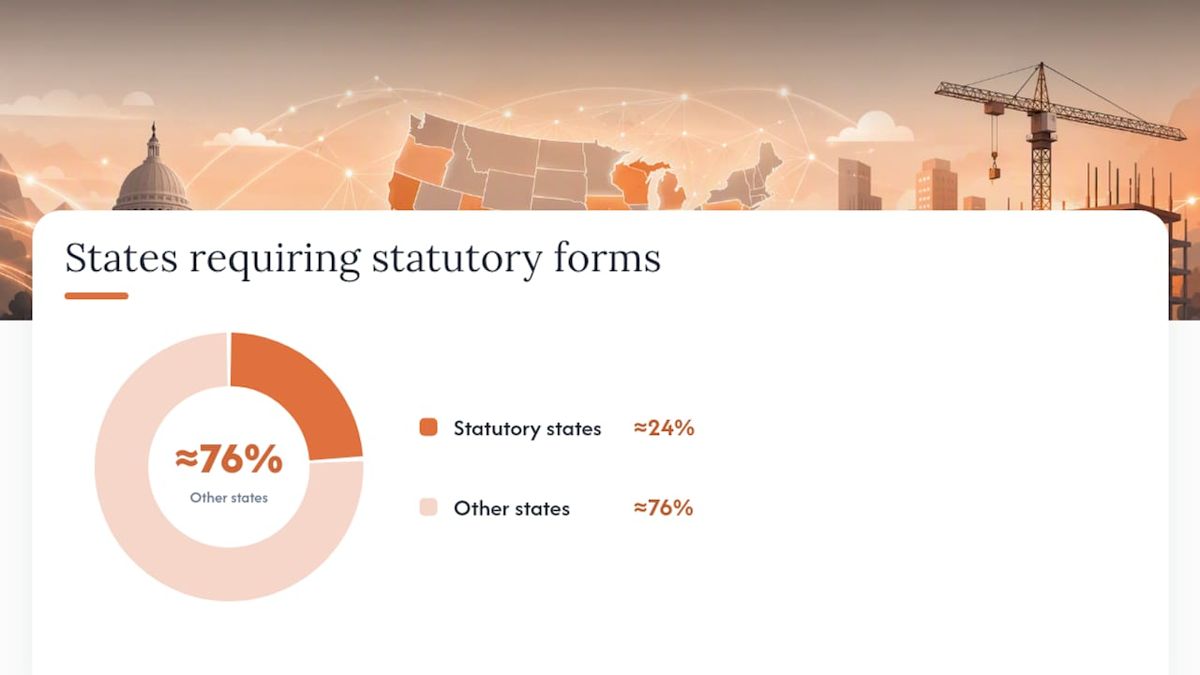
Approximately a dozen states require statutory lien-waiver forms that must be used verbatim; using a non-statutory form in those states can void the waiver entirely. California, Texas, Arizona, Nevada, and Georgia are among the most commonly cited. If your project is in one of these states, a generic template is not enough.
How to verify your state’s requirements quickly:
- Check the project’s jurisdiction first, not your home state. The project location governs.
- Look up the state’s mechanics lien statute directly, or use a state-specific generator that pulls the correct statutory language automatically.
- Verify forms at the start of the project and again before final closeout, since state statutory forms exist and change over time.
- For county-level rules (some states have them), check the county recorder’s office requirements.
On notarization: some states require a notary signature on lien waivers; others accept e-signatures with an audit trail. California’s statutory forms do not require notarization. Texas and some others do for certain waiver types. A digital workflow can handle this through remote online notarization, provided the platform generates a notarization block in the exported PDF.
Pro Tip: For state-specific statutory forms, use a generator that maintains updated templates by jurisdiction. Waiverpilotpro covers state-specific requirements and flags when a statutory form applies, so you are not guessing which version to use.
How do integrations fit waiver generation into your payment workflow?
Attaching a conditional waiver to every pay application and gating payment release on waiver receipt is the standard workflow that lenders, owners, and GCs use as essential risk controls. Automation makes this consistent and auditable. Construction lenders also expect a clean waiver chain when reviewing draw requests, as outlined in construction lender underwriting criteria.
What a solid integration with Procore, QuickBooks, JobTread, or Buildertrend should do:
- Import project name, address, and contract data automatically so you are not retyping fields
- Pull invoice or pay-app amounts directly to pre-populate the dollar amount and through date
- Export the signed waiver as a notarizable PDF and attach it to the corresponding pay-app record
- Store the audit trail alongside the payment record for lender and title review
| Platform | Integration benefit | Key handoff |
|---|---|---|
| Procore | Links waiver to pay-app record | Signed PDF attached to Procore payment item |
| QuickBooks | Pulls invoice amount and payee | Waiver auto-populated from QB invoice data |
| JobTread | Imports project and sub data | Waiver tied to JobTread payment workflow |
| Buildertrend | Syncs project and schedule data | Waiver generated from Buildertrend draw request |
For Procore users specifically, the Procore lien waiver integration guide explains how to attach generated waivers directly to pay-app records.
Practical rules to protect your payment rights
The practitioner rule is simple: conditional waivers before payment; unconditional waivers only after cleared funds. Apply it without exception.
Beyond that core rule, these controls reduce your exposure:
- Require downstream waivers from every sub-tier. Your waiver does not protect the GC from a sub’s lien. Collect waivers from every subcontractor and supplier on your tier before releasing payment to them.
- Match dollar amounts exactly. A waiver for $47,500 does not cover a $47,000 invoice. Amount mismatches, missing lower-tier waivers, and signing the wrong waiver type are the most common errors.
- Write specific project descriptions. “Commercial renovation, 123 Main St, Suite 400, Chicago, IL” is enforceable. “Office project” is not.
- Never use an outdated state form. Statutory forms are updated periodically. A form from two years ago may no longer be valid.
Pro Tip: Track every waiver to its specific pay-app number. When a dispute arises months later, that one-to-one match is what proves which period was released and which was not.
Pre-signing checklist: verify these before you sign or accept a waiver
Run through this list before signing any waiver or accepting one from a sub:
- Payee and payer names match the contract exactly
- Project address is complete and specific
- Dollar amount matches the invoice or pay-app to the cent
- Through date covers only the period being paid, not future work
- Carve-outs are listed for any disputed amounts or pending change orders
- Waiver type is correct for the payment moment (conditional if payment has not cleared; unconditional only after cleared funds)
- Form is the correct statutory version for the project’s state
- Notarization block is present and complete if the state requires it
For recordkeeping:
- Store the notarized PDF with the corresponding pay-app in your project file.
- Keep the audit trail metadata intact; do not flatten or print-to-PDF in a way that strips it.
- The party receiving the waiver typically stores the original; the signer keeps a copy.
Why getting waivers right is worth more than the paperwork suggests
Most contractors treat lien waivers as administrative friction. They are actually one of the few legal instruments in a payment workflow that you control completely. A correctly timed conditional waiver preserves your lien rights through the entire payment cycle. An unconditional waiver signed too early surrenders them permanently, with no recourse.
The financial stakes extend beyond individual payments. Title companies and construction lenders review waiver chains before releasing retainage and closing out loans. A missing waiver from a second-tier sub, or a waiver with an amount mismatch, can delay a project close by weeks. That delay costs everyone on the job. Getting the form right, the first time, with the correct state template and a clean audit trail, is what separates a smooth closeout from a disputed one.
Waiverpilotpro: free waiver generator with state templates and integrations
Producing the right waiver for the right payment moment should take minutes, not a morning. Waiverpilotpro gives you a free lien waiver generator that outputs notarizable PDF and Word files instantly, with state-specific statutory templates built in so you are never guessing which form applies.
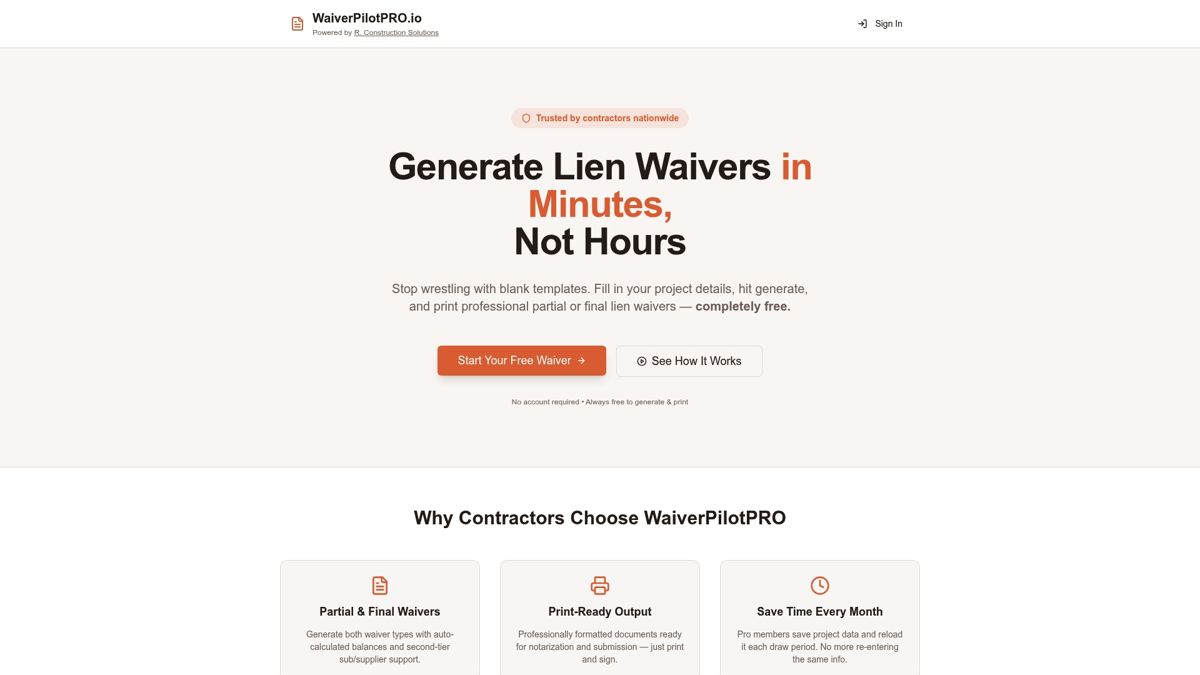
The free tier covers unlimited waiver generation and download. The Pro tier adds project saving, bulk and multi-subcontractor management, contract uploads, and AI-powered form auto-fill that reads your contract and pre-populates every field. Integrations with Procore, QuickBooks, JobTread, and Buildertrend mean your project data flows in automatically, and your signed waivers flow back out to the right pay-app record.
For teams managing multiple projects or subs, the AI lien waiver generator eliminates the manual re-entry that causes most field errors. Start with the free generator today, and upgrade when your volume demands it.
Sources
The following references formed the factual basis for this guide:
- What Is a Lien Waiver? How To Manage Construction Payment Risk
- What is a lien waiver — Procore Support
- Construction lien waivers: conditional vs unconditional explained
- Construction lien waiver types guide (2026) | Terrapin Construction Group
- Lien waiver in construction — types, when to require them, and how to track them — Kiron
For complex disputes, suspected fraudulent waivers, or projects spanning multiple statutory states, consult a construction attorney licensed in the project’s jurisdiction before signing or accepting any waiver.